Language technology · a product by AYARUX

Take the language barrier out of the conversation.

A message leaves in your language and arrives in theirs. A call is translated while it is being spoken. The camera reads the sign in front of you and answers questions about it. Nothing is copied, pasted or carried from one app to another — the conversation is the app.

In development. Write to us and we will let you know the day it opens.

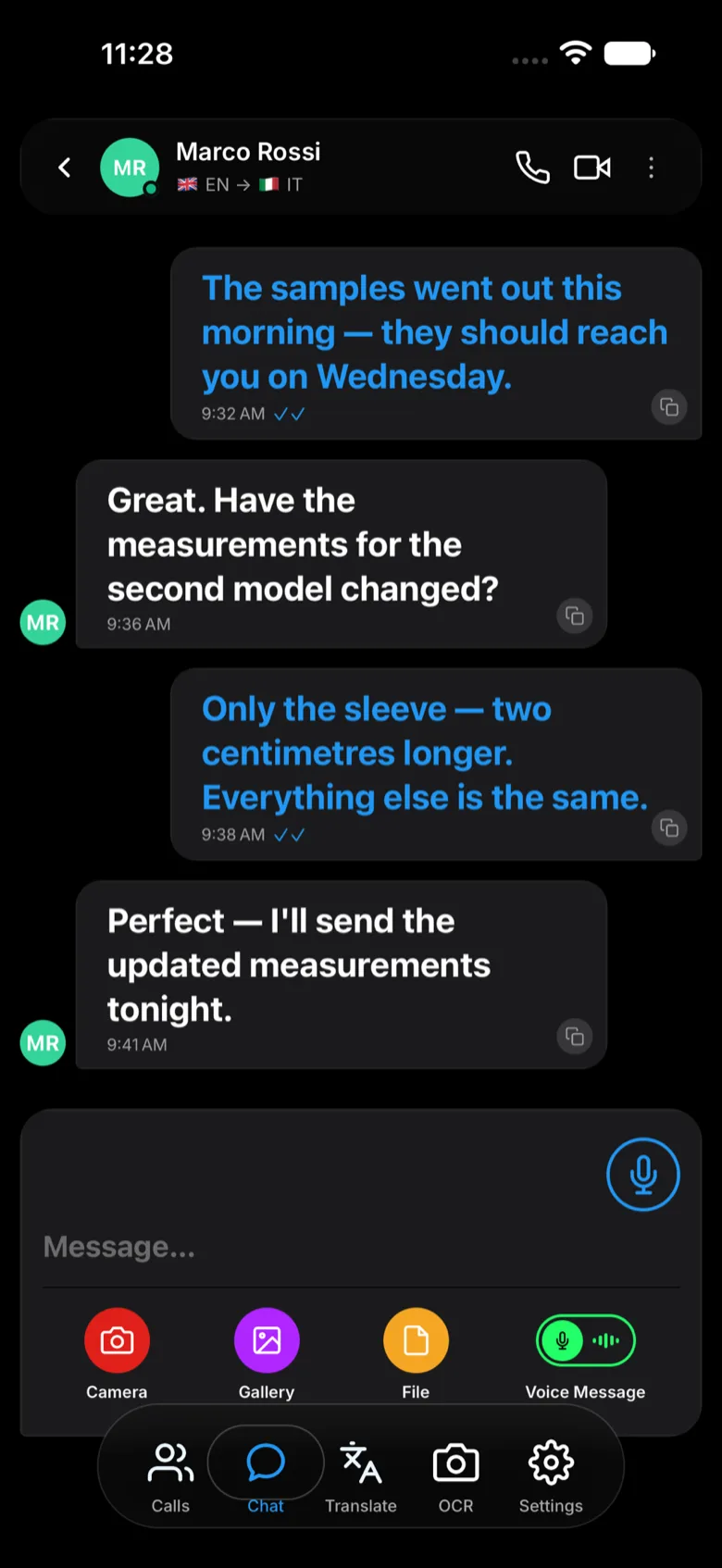
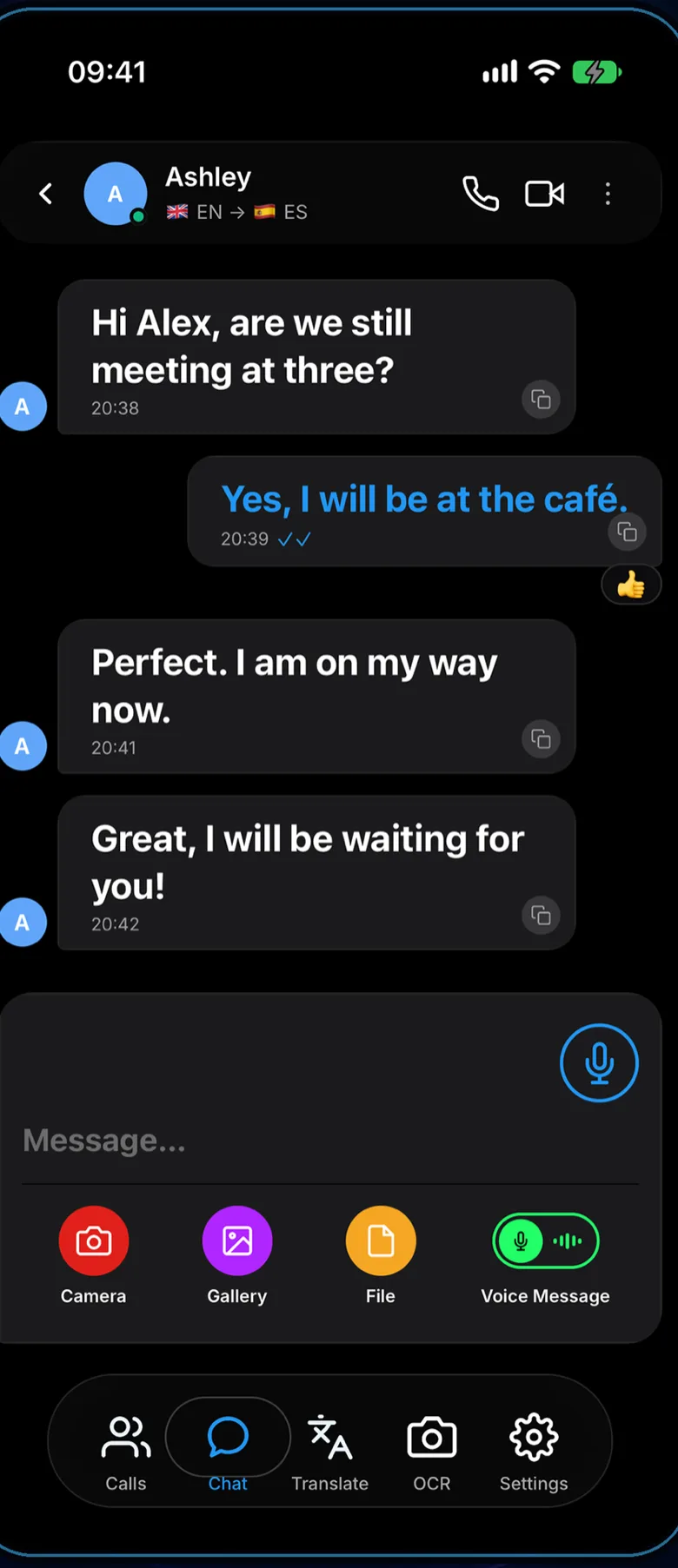
Dilinga chat screen: each message shown in the reader's own language.
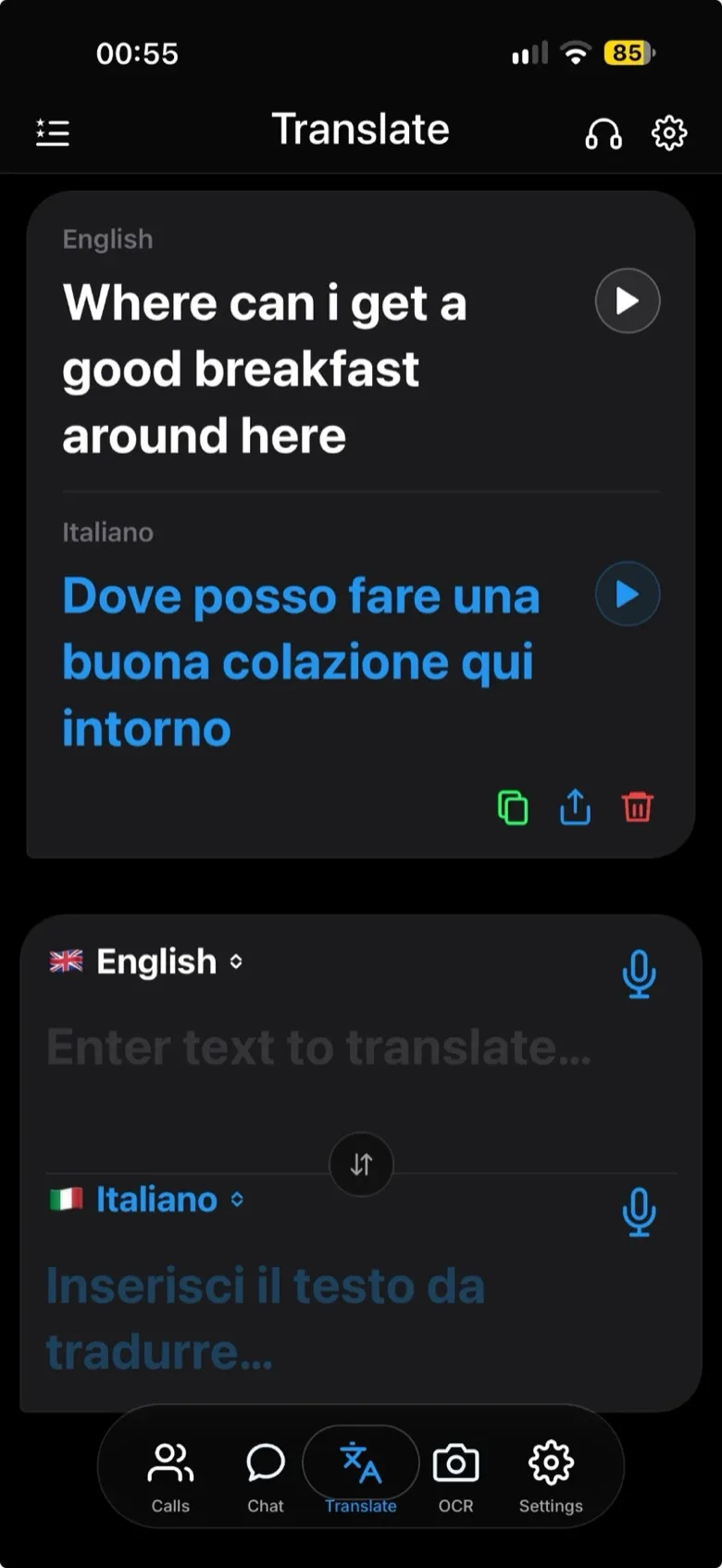
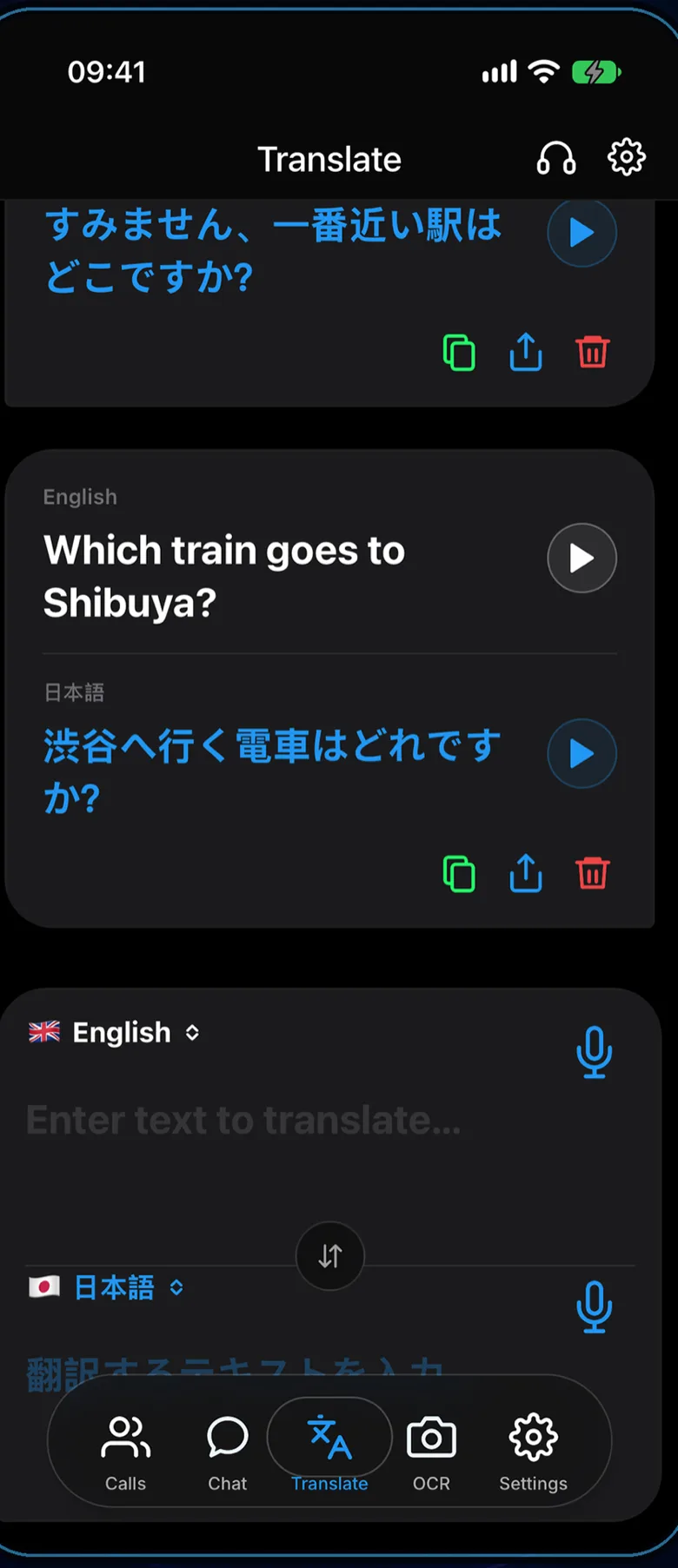
Dilinga translation screen: text typed in English shown translated into Japanese.

Messages

Both sides write the way they always do. Each one reads their own language.

Calls

Voice and video calls translated while they are being spoken, not afterwards.

Camera

A menu, a label, a form. Point the camera, read it, ask about it.

Your own voice

The translation can be spoken in the speaker's own voice rather than a stranger's.

Calls

Call the person.
Not the language.

Start a voice or video call the way you would with anyone else. Each sentence is recognised as it is spoken, translated, and delivered to the other side out loud — while the conversation is still going. Both people keep speaking their own language and neither has to wait for a turn.

  • Voice and video, on iPhone and Android
  • Translated speech arrives during the call, not after it
  • Live subtitles on screen while the camera is on
  • Speech is recognised on the device — raw audio is not shipped off for translation
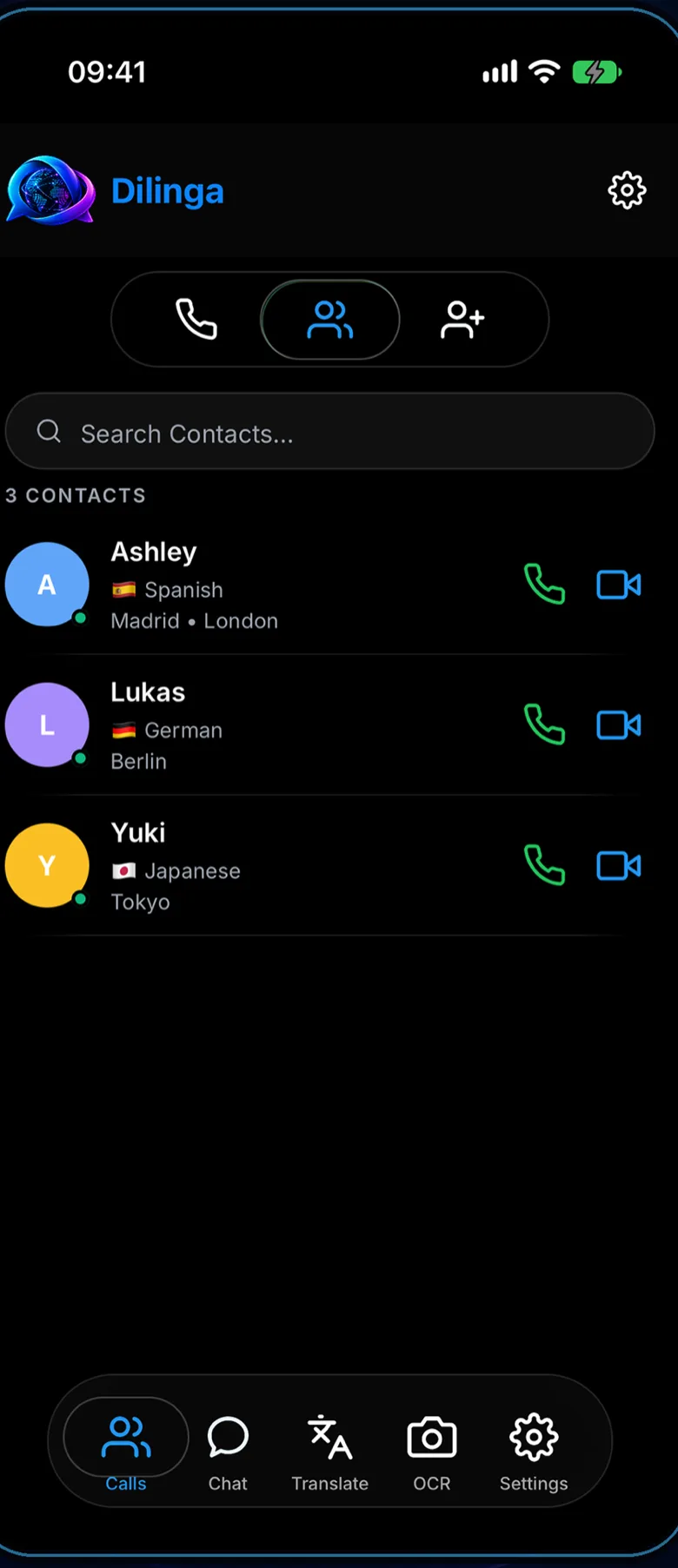
Dilinga contacts screen with call and video buttons next to each person's language.

Face to face

Hand the phone
across the table.

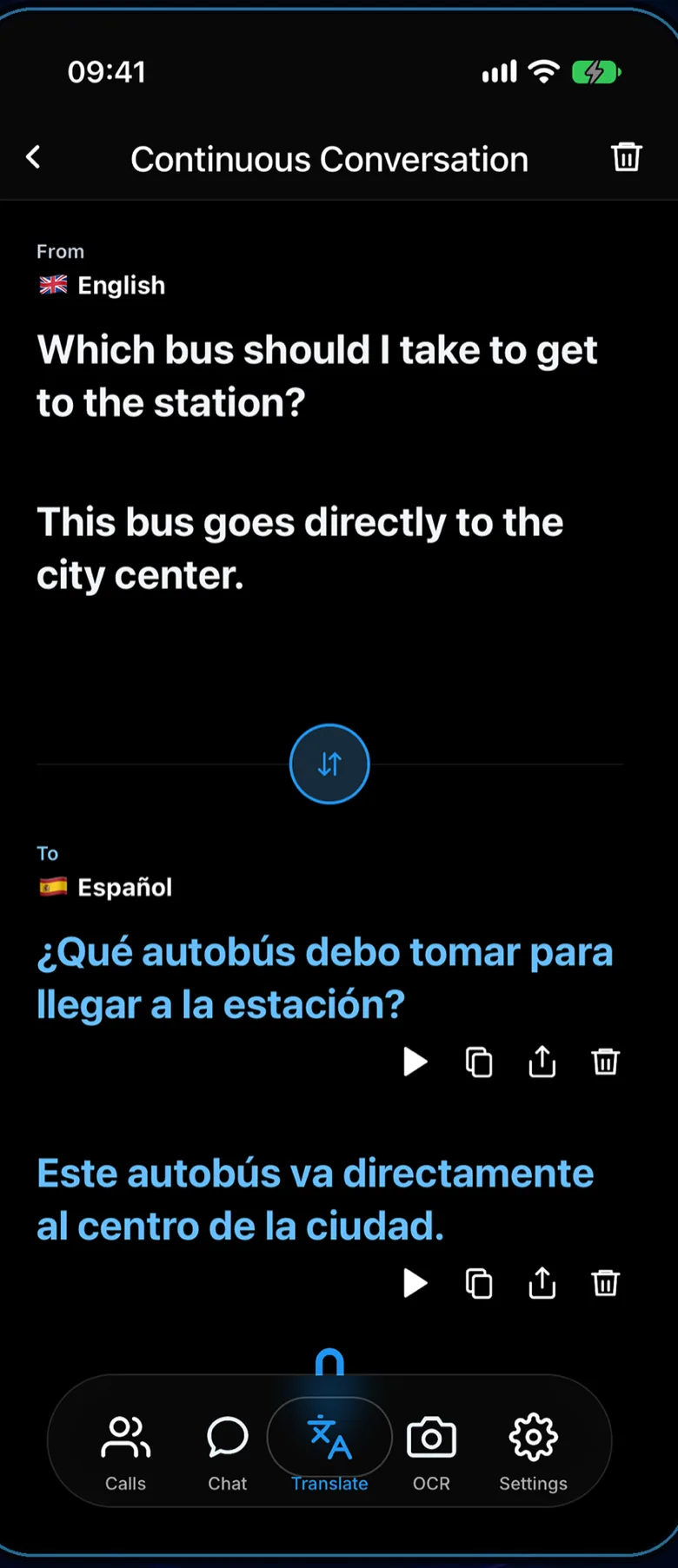
Continuous conversation keeps listening to both sides and translates each turn as it comes. It is the mode for the taxi, the pharmacy counter and the hotel desk — one phone, two people, no buttons between sentences.

  • Both directions in one screen
  • Read it, or have it spoken out loud
  • Text or speech, whichever the moment calls for
Dilinga continuous conversation screen translating between English and Spanish.

Camera

Point it at the sign.
Then ask about it.

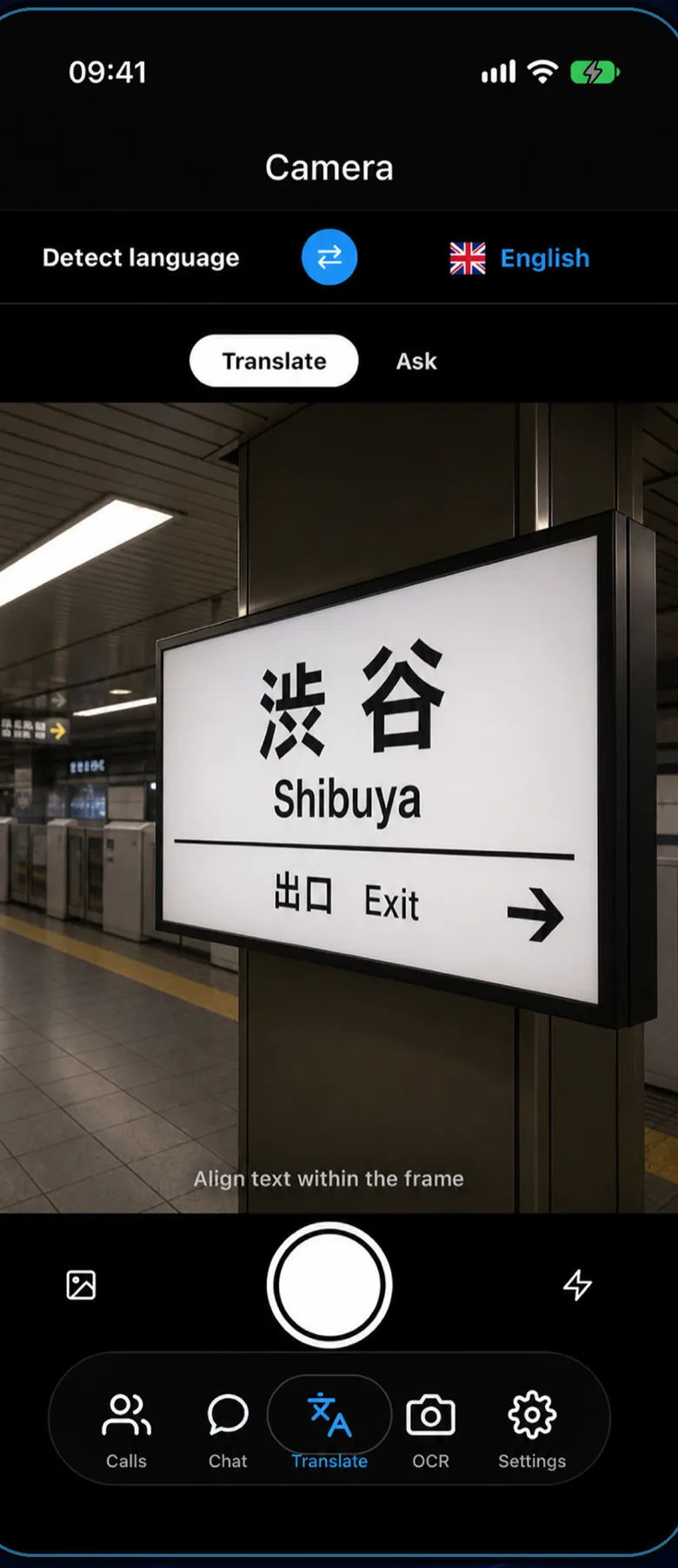
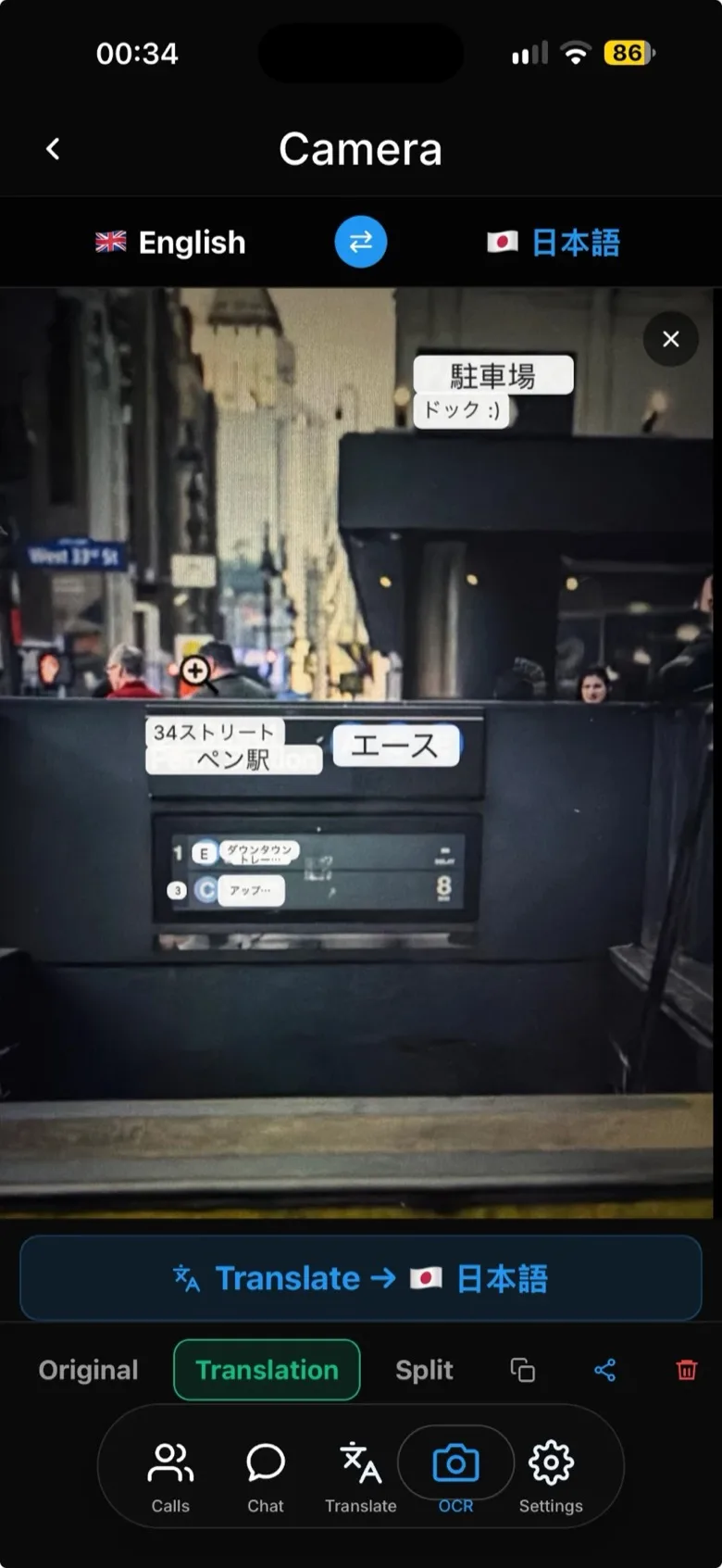
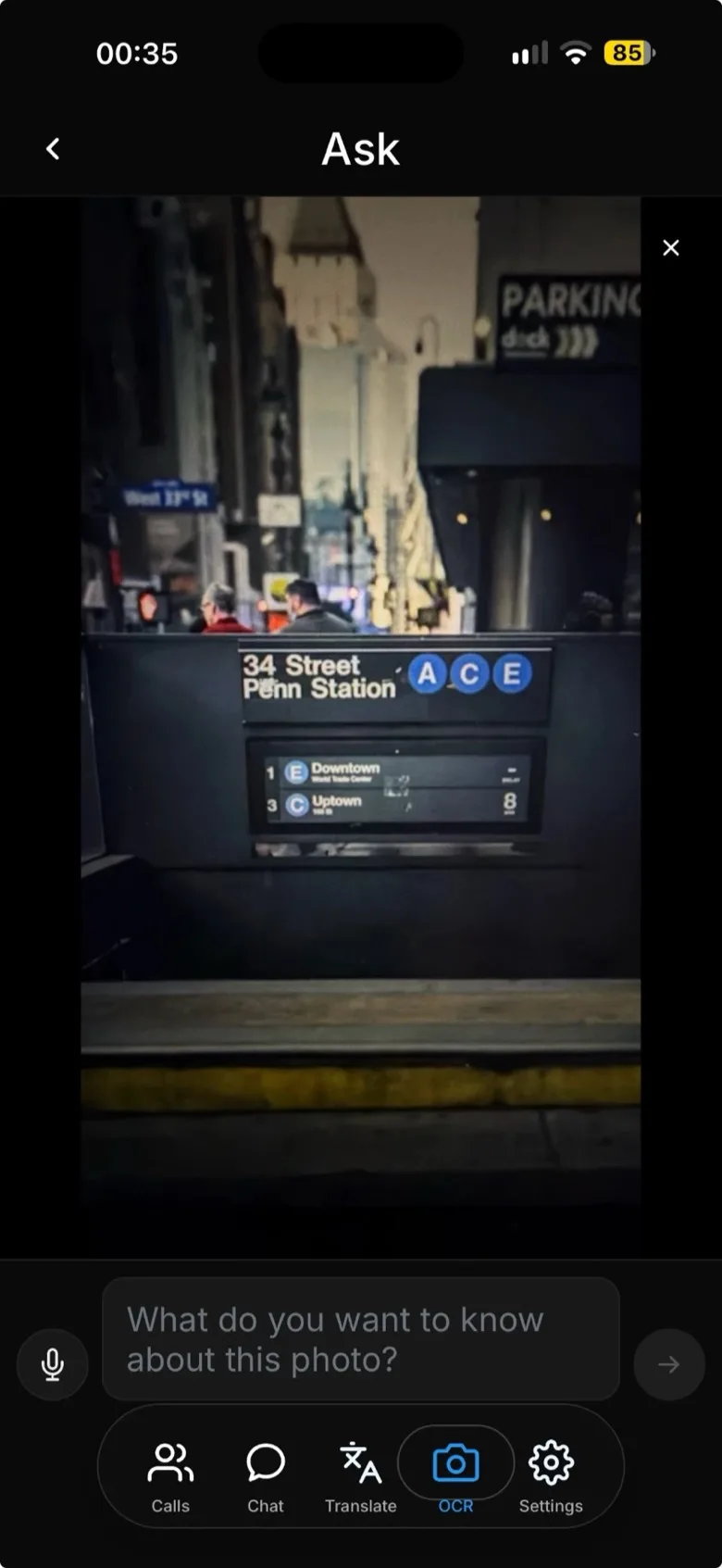
The camera reads the text in front of you and translates it in place — a station board, a menu, a prescription, a form. Switch to Ask and the same photograph answers questions: what is in it, what it means, what to do next.

  • Signs, menus, labels, documents
  • Detects the language it is looking at
  • Ask follow-up questions about the same photo
Dilinga camera screen reading a Japanese station sign and translating it.

Everything in one place

One inbox for
every language.

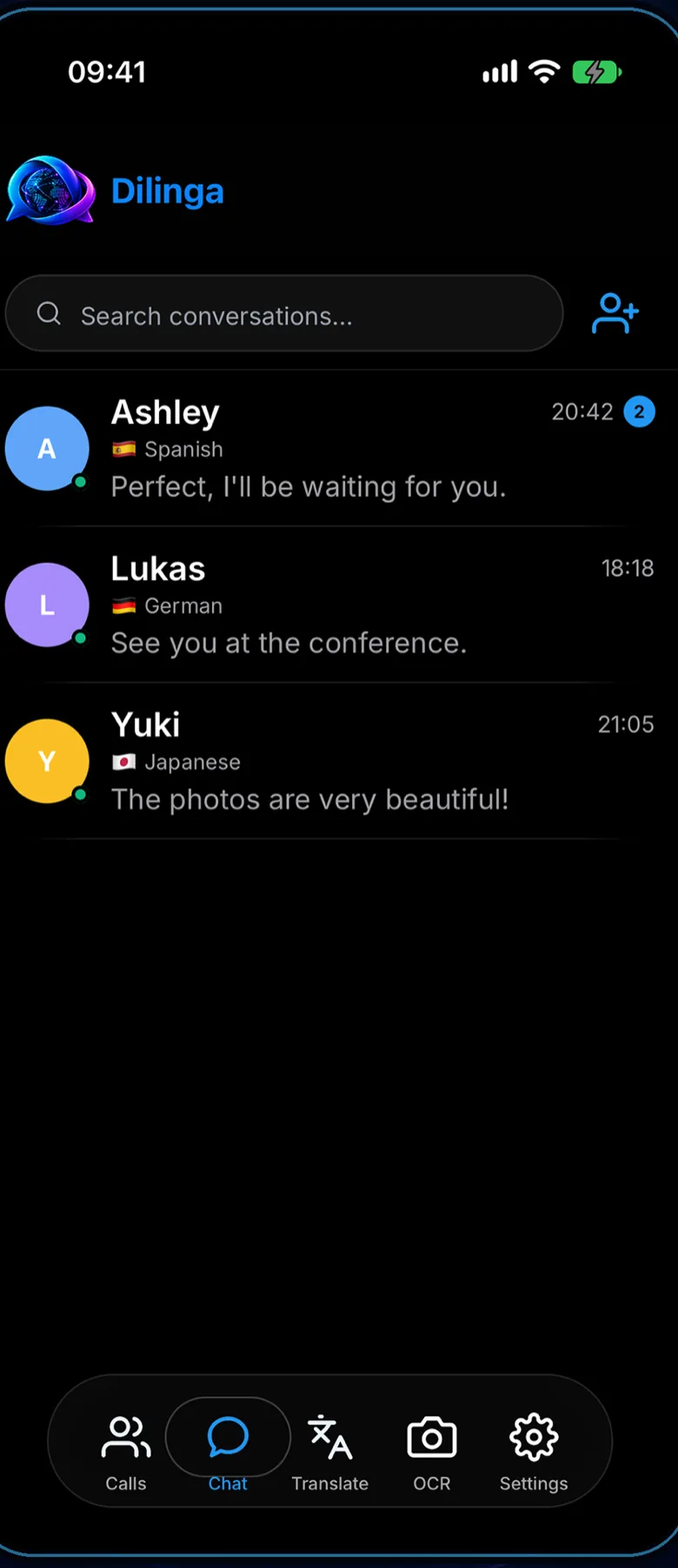
Contacts, conversations and calls sit together, each with the language the other person reads. There is no separate translation app open beside the chat, and nothing has to be pasted between them.

  • Text, voice notes, photos and files
  • The other person's language shown on the conversation
  • Call history and contacts in the same place
Dilinga conversation list showing contacts in Spanish, German and Japanese.

In your own voice

A language you don't speak,
in the voice they know.

A translated call in a synthetic voice stops sounding like you. Dilinga can model the speaker's own voice, so the sentence that arrives on the other side is in a language you do not speak — but in your voice.

Voice modelling is in closed beta. It is opt-in, needs a recorded consent, and can be deleted at any time.

Four things happen,
and none of them leave the app.

01

Write, they read their language

The message is translated on its way out. Both sides write the way they always do.

02

Call and be understood

Speech is recognised on the device, translated, and spoken to the other side during the call.

03

Point the camera at it

The camera reads the text and translates it. Ask answers questions about the same photo.

04

In your own voice

Voice modelling carries the speaker's own voice into the translation instead of a synthetic reader.

Privacy by design

Your conversation stays yours.

No account, no profile

There is no sign-up. No email address, no password, no phone number. The app identifies you with an ID created on your own device.

Speech recognised on the device

During a call, your phone turns speech into text. It is the text that gets translated — the raw audio of the call is not sent anywhere for translation.

Nothing sold, nothing profiled

No advertising, no tracking SDKs, no analytics profile. Call transcripts stay on the device that made the call.

Read the privacy policy

Tell us which languages you need.

Dilinga is still being built. Write to us about the languages you need it in and what you would use it for — we will let you know the day it opens.